Demo
Beginner LED blinker kit with circuit board, parts, and printed steps
Demo Learn-to-Solder Kit
SKU DEMO-MKR-004
Finders, keepers.
Written by Bandit Distro Editorial Team ·
An inline USB-C power meter sits between the charger and the device and shows what is flowing through the cable. If your phone is charging slowly, it is the quickest way to find out whether the charger, the cable or the phone itself is the limit. The catch is that the numbers only help if you know which ones are normal. This guide explains each reading, then gives a table that maps what you see to what it probably means.
Most meters show three live numbers.
Watts are volts multiplied by amps. If the meter shows 9.02 V and 2.21 A, the device is taking 9.02 x 2.21 = 19.9 W. If the same phone on a different charger shows 5.01 V and 1.48 A, it is taking 7.4 W, a bit more than a third of the first figure. Those are made-up readings to show the math. When the meter has no watts field, multiply the two yourself.
A USB-C charger does not pick a voltage at random. Under USB Power Delivery (USB PD), it offers a short list of fixed voltages. The USB Promoter Group's announcement of USB PD Revision 3.1 lists them: 5 V, 9 V, 15 V and 20 V, joined in that revision by 28 V, 36 V and 48 V. So a meter reading close to one of those seven values means a normal PD contract is in place.
The higher voltages exist to carry more power. USB-IF's USB Charger (USB Power Delivery) page says USB PD was limited to 100 W, using 20 V over cables rated at 5 A, until Revision 3.1 raised the ceiling to 240 W. The same page gives the new steps: 28 V for up to 140 W, 36 V for up to 180 W and 48 V for up to 240 W.
A reading of about 5 V does not always mean PD is working. Without any PD negotiation, a USB-C port can still supply 5 V. A USB-IF USB Type-C System Overview presentation lists those 5 V levels: 500 mA for USB 2.0, 900 mA for single-lane USB 3.2, and 1.5 A or 3.0 A when the port advertises USB Type-C Current. At 5 V, that works out to 2.5 W, 4.5 W, 7.5 W and 15 W. A phone stuck at 5 V and half an amp is charging at the lowest of those levels.
Some chargers also support Programmable Power Supply (PPS). In a USB-IF USB Power Delivery presentation from its 2019 Developer Days, the PD working group co-chairs describe PPS as a source whose output voltage is adjustable in 20 mV steps and whose current limit is adjustable in 50 mA steps, with the device sending a fresh request at least every 10 seconds.
On a meter, that looks different from a fixed contract. Instead of parking at 9 V, the voltage may sit at an in-between value and move in small increments while the phone charges. Revision 3.1 added a similar adjustable mode above 15 V that the device can steer in 100 mV steps, according to the same Revision 3.1 announcement. A voltage that drifts in small, steady steps is consistent with these modes and is no cause for concern.
Usually fewer than the number printed on it, and that is by design. The wattage on a charger is the most it can offer. The device decides how much to take. The USB-IF Power Delivery presentation lays out the sequence: the source sends its capabilities, the sink (the device being charged) makes a request, and the source accepts. A 65 W charger connected to a phone that asks for 20 W will show about 20 W on the meter.
The request also changes during a charge. Apple's Why Lithium-ion page says its batteries use fast charging to reach 80% of capacity, then switch to slower trickle charging. Battery University's BU-409: Charging Lithium-ion describes the same shape for lithium-ion cells in general: a high-current first stage, then a saturation stage in which the current keeps falling, with full charge reached when the current has dropped to between 3 and 5 percent of the battery's amp-hour rating.
This is why one reading tells you little. A phone at 85% drawing 6 W may be perfectly healthy. Take the reading that matters when the battery is low, ideally below half, and with the screen off.
Temperature and software can lower the draw too. Apple's fast charge support page notes that fast charging might not work in conditions that are too cold or too hot. On iPhone, Optimized Battery Charging can delay charging past 80 percent in certain situations, which shows up on a meter as current falling to almost nothing while the phone is still plugged in.
The cable sets a ceiling of its own. The USB Type-C System Overview presentation gives the current rating for standard USB-C cables as 3 A, and the Power Delivery presentation says a charger's output current depends on both its power rating and the cable rating. An electronically marked cable reports its current-carrying capability to the charger through its e-marker.
USB-IF sorts certified cables into two power ratings. Its cable power rating logo announcement says certified USB-C cables carry a logo for either 60 W or 240 W. A USB-IF draft cable test specification spells out what sits behind each number: 60 W is 20 V at 3 A, and 240 W is 48 V at 5 A for what it calls an EPR cable.
A 3 A cable still allows 27 W at 9 V, so the cable rating matters most at laptop power levels. With a meter the test is simple: if a laptop with a 100 W charger never draws more than about 3 A at 20 V, swap in a cable marked 240 W and compare.
Take readings with the battery low. The "likely meaning" column is a reading of the specifications above and should be treated as a starting point for swapping parts one at a time.
What the meter shows | What it likely means | What to try |
|---|---|---|
About 5 V, 0.5 A or less | The device is drawing at the default USB level. No PD contract. | A USB-C PD charger and a USB-C to USB-C cable. |
About 5 V, 1.5 A to 3 A | USB Type-C Current without PD. Up to 15 W. | Check that the charger and the device both support USB PD. |
9 V, 15 V or 20 V, amps low, battery above 80% | Normal taper as the battery fills. | Retest with the battery below half. |
9 V, 15 V or 20 V, watts well under the charger's rating, battery low | The device is asking for less than the charger can give. | Look up the device's maximum charging wattage. That is the real limit. |
20 V, amps never pass about 3 A, on a charger rated above 60 W | A 3 A cable is capping the current. | A cable carrying the 240 W logo. |
Voltage at an in-between value, changing in small steps | A PPS or adjustable-voltage contract. Normal. | Nothing. Read the watts. |
Good watts at first, then a drop, and the phone is hot or very cold | The phone is limiting the charge for temperature. | Let it return to room temperature and retest. |
Current near zero at around 80% | A charge limit or optimized charging setting. | Check the battery settings on the phone. |
Many meters also count milliamp-hours (mAh), a running total of current over time. Two amps flowing for half an hour adds 1,000 mAh. The meter counts at the cable's voltage, so the same 1,000 mAh is 9 Wh of energy at 9 V and 5 Wh at 5 V. For that reason, a mAh total from a meter cannot be compared directly with the mAh figure on a battery label, which is stated at the battery's own voltage. If the meter shows watt-hours (Wh), use that field to compare one charge with another.
Run the battery down below half. Plug in with the meter inline and write down volts, amps and watts after a minute. Change one thing, the cable first, and write the numbers down again. Then change the charger. Three rows of numbers will usually point to the part that is holding things back, and if every combination gives the same wattage, the phone is the limit and nothing you buy will change it.
Shop staff can use the same routine at the counter before a customer buys a replacement they may not need. Before putting a meter on a laptop charger, check the voltage range printed on the meter or in its manual.
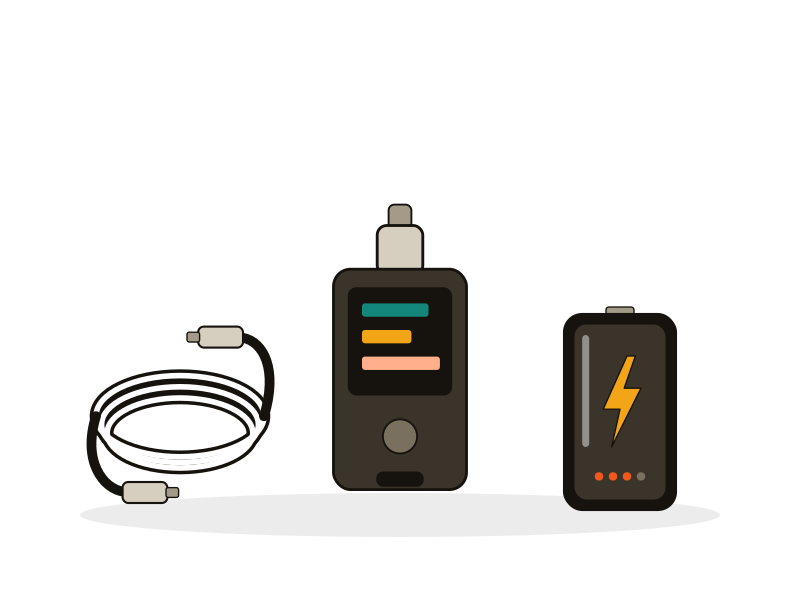
The USB-C power meter, the braided USB-C cable and the 10,000 mAh power bank are the three parts of the test above. Meters and other bench tools live in Maker and Hacker, cables and chargers in Phone Cases and Chargers, and new arrivals in The Haul.
Beginner LED blinker kit with circuit board, parts, and printed steps
SKU DEMO-MKR-004
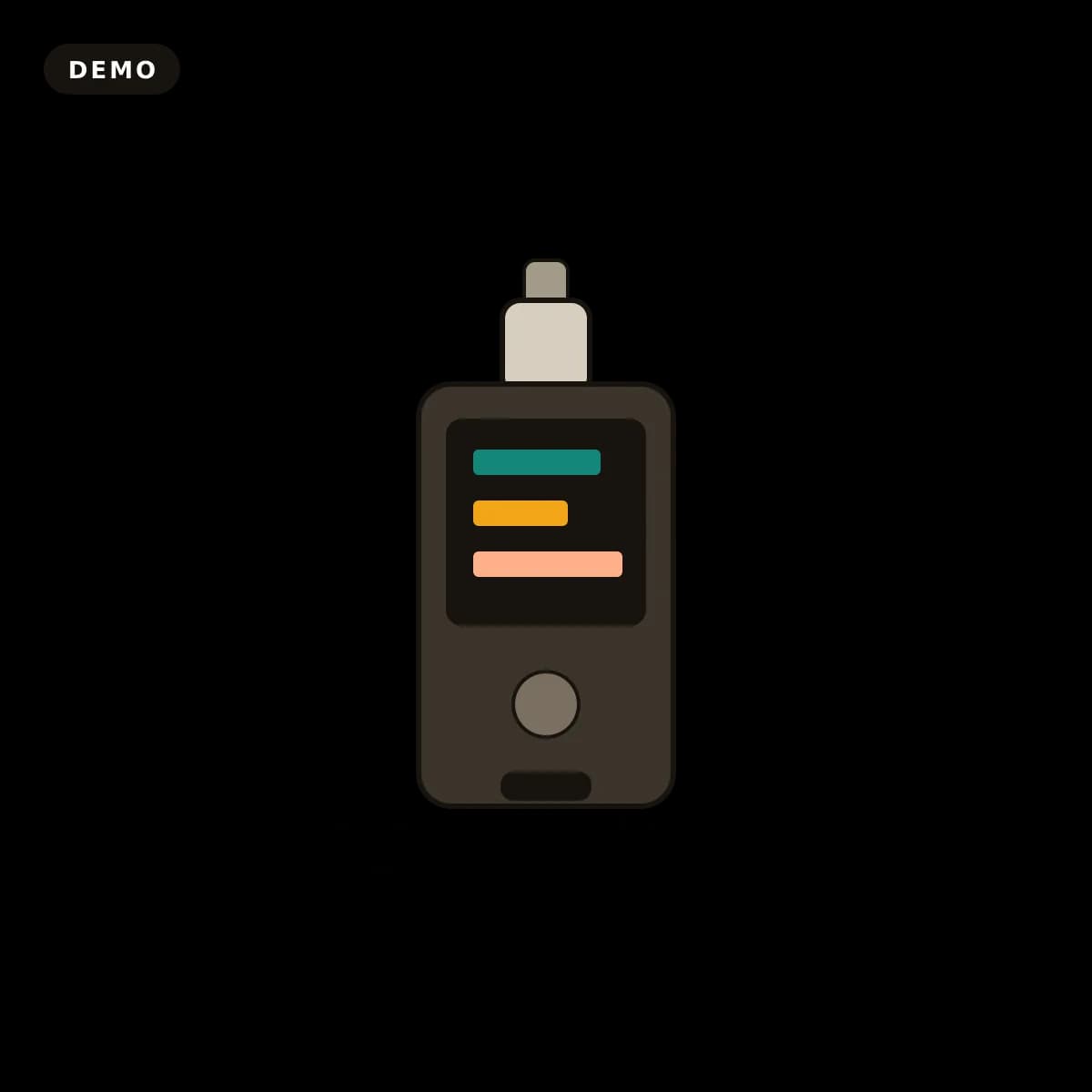
Inline tester that shows voltage, current, and power for USB-C devices
SKU DEMO-MKR-003

Board, temperature sensor, and small display to build a desk weather readout
SKU DEMO-MKR-002
Wi-Fi and Bluetooth microcontroller boards for learning to program hardware
SKU DEMO-MKR-001